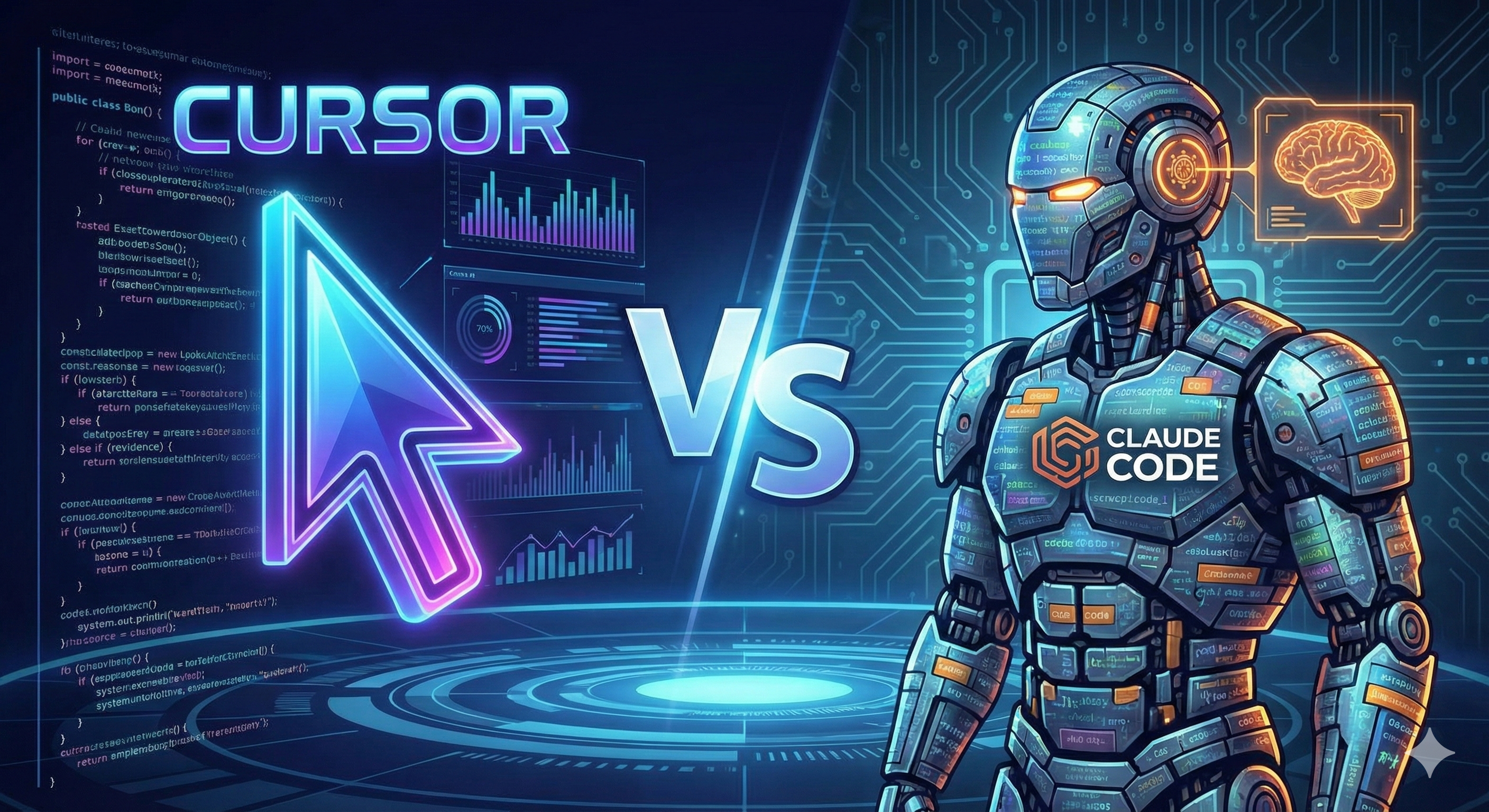
A Top 0.01% Cursor Power User Switches to Claude Code: A Full Breakdown of the Five Pillars of Agentic Coding
Disclaimer: This post is machine-translated from the original Chinese article: https://ai-coding.wiselychen.com/cursor-top-user-switch-claude-code-agentic-coding/
The original work is written in Chinese; the English version is translated by AI.
Author: Wisely Chen Date: Jan 2026 Series: AI Coding Field Notes Keywords: Claude Code, Cursor, Agentic Coding, Silen Naihin, AI programming, Opus 4.5
Table of contents
- A verification email from Cursor
- Why he quit before—and why he came back
- The rules changed: a jump in abstraction level
- The five pillars of Agentic Coding
- A practical workflow: 12 terminals in parallel
- Cursor vs Claude Code: not replacement, but division of labor
- Community doubts and responses
- To be honest
- Further reading
A verification email from Cursor
Silen Naihin isn’t an ordinary developer.
He’s a core contributor to AutoGPT—the legendary project that (to this day) is still one of the fastest on GitHub to reach 100k stars.
During his time using Cursor, he discovered that 90% of his code was increasingly being taken over by AI. He became obsessed and practically “moved into” the editor, pushing every limit. He wrote an internal best-practices guide that was never published, and figured out every tiny trick.
Then he received an official email from the Cursor team:
Congratulations, you are a top 0.01% Cursor user globally.
That email was an honor—and a shackle.
Because a few months later, he chose to “defect.”
Why he quit before—and why he came back
In early 2025, Silen actually tried Claude Code.
The result: he dropped it.
His evaluation was blunt:
Why would I use a tool that’s barely as good as Cursor, but has 10× worse UX?
Back then, the Claude Code workflow felt like a step backward. The model wasn’t smart enough; most of the time humans still needed to clearly understand what was happening in the code.
But Claude Code 2.0 + Opus 4.5 changed everything.
On the surface, you could say UX improved, the framework got more stable, and many bugs were fixed.
But Silen believes those are just the tip of the iceberg.
The real change was Anthropic’s RLHF training for Opus 4.5, which completely changed the rules of the game.
The rules changed: a jump in abstraction level
In the past, an AI coding workflow looked like this:
- Guide the model at the file level
- Review code at the function level
- Inspect every change line by line
Now you don’t need to do that.
Silen’s new way of working is: test “behavior” directly.
To prove it, he built a genetic-algorithm simulator in one day with Claude Code:
- an interactive visualization UI showing real-time evolution
- complex fitness functions
- advanced features like selection pressure and mutation-rate tuning
He didn’t finish it by reviewing code line by line.
He defined “what should happen,” then verified “did it actually happen.”
That’s the jump in abstraction level.
From “reviewing code” to “verifying behavior” might sound like mere wording, but in practice it’s a completely different operating model:
| Old mode | New mode |
|---|---|
| Review every diff line | Test final behavior |
| Guide at the file level | Guide at the requirements level |
| Understand all implementation details | Understand interface contracts |
| Humans are code reviewers | Humans are behavior verifiers |
This reminds me of the ATPM framework I wrote about earlier—the core value of PRD as a Single Source of Truth is precisely letting AI work at the requirements level, rather than getting stuck at the code level.
The five pillars of Agentic Coding
In his long essay, Silen distilled five core principles of Agentic Coding.
This isn’t theory. It’s a battle-tested summary from using AI for programming since 2021 and stepping on countless landmines.
1. Context Management
One conversation ≈ one focused task
Core pain: Claude Code has a 200k context limit—shorter than Codex (400k) or Gemini (1M). Once context degrades, model performance drops sharply.
Practical tactics:
- Use
/compactperiodically to compress context - Use
/contextto monitor remaining tokens - When context degrades, use
/transfer-contextto move to a new chat - Split complex tasks into subagents to avoid polluting the main thread
2. Planning
1 minute of planning can save 3 minutes of follow-up fixes
Practical tactics:
- Press Shift+Tab twice to enter plan mode
- Use
/interview-me-planmdto let Claude interview you and generate a complete plan - Saying “what not to do” is more important than saying “what to do”
- Avoid over-engineering; prefer the simplest viable solution
3. Closing the Loop
The cost of automation has collapsed—things that used to take a week now take a single conversation
Practical tactics:
- Repeated prompts → turn into custom commands
- Repeated workflows → turn into agents
- When you discover a gotcha → update CLAUDE.md
- When you find a pattern → document it
4. Verifiability
Don’t review code. Test behavior.
Practical tactics:
- UI → visual checks
- UX → interaction tests
- API → request tests
- Before major refactors → write full interface tests first
- Before deployment → integration tests as a safety net
5. Debugging
If explaining the same thing three times still fails, switch methods
Practical tactics:
- A systematic approach: form hypotheses → read relevant code → add logs → verify
- “Rule of three”: if three explanations don’t work, change direction
- Show examples rather than explaining concepts
- When stuck, start a new chat and have Claude summarize what was learned
- Use
/ensemble-opinionto get multi-model perspectives
A practical workflow: 12 terminals in parallel
Silen’s daily workflow looks like this:
12 terminals open at the same time, two per project.
It sounds crazy, but he has one key concept: Blast Radius.
Each terminal only touches a specific file scope. As long as you clearly define each agent’s “territory,” they won’t step on each other.
He rarely uses git worktree—he “branch hammers” in the same repo for speed.
Tool division of labor:
| Tool | Best use cases |
|---|---|
| Claude Code + Opus 4.5 | Planning, code generation, complex refactors, architecture decisions |
| Cursor + GPT 5.2/Sonnet 4.5 | Learning, UI fine-tuning, small changes unrelated to Claude Code work |
| ChatGPT | Programming questions that don’t need repo context, second opinions |
| Ghostty terminal | Speed, native splits, better text editing, native image support |
Cursor vs Claude Code: not replacement, but division of labor
Silen didn’t completely abandon Cursor.
His conclusion: each has different best-use scenarios.
When to use Cursor
- pixel-perfect frontend work
- learning and educational iteration (faster feedback loops)
- small independent edits unrelated to Claude Code work
- “organic” coding that needs tight IDE integration
When to use Claude Code
- building applications where output matters more than fully understanding every step
- maximizing abstraction level
- large projects that benefit from terminal-native async workflows
- complex refactors and architecture decisions
The core difference:
Cursor keeps tight human-in-the-loop control. Claude Code asks you to embrace abstraction, trust the model’s output, and validate via behavior tests.
Community doubts and responses
This article triggered intense discussion on Hacker News.
The biggest doubt: Is “no need to review code” really feasible?
Many senior engineers pointed out:
- it’s not feasible in multi-person collaboration with paying customers
- it lacks maintainability and sound architecture decision-making
- large legacy codebases contain business logic and domain rules that AI can’t reliably handle
Silen’s response logic
He didn’t say “never review.” He said:
- Verification methods have changed — from “reading diffs” to “testing behavior”
- It’s an abstraction-level choice — you can stay at the old level, but you’ll miss the efficiency jump
- The definition of good engineering changed — now it’s: fast mental modeling, debugging/refactoring, prompting skills, and verification skills
The “Vibe Coding” concern
Some worry junior engineers will produce CRUD apps that “look impressive,” while not understanding architectural meaning.
This feels similar to the criticism during the Rails boom 20 years ago.
My view: tools change, but the ability to “understand systems” is always valuable. The issue isn’t the tool; it’s whether the person using it is intentionally building understanding.
To be honest
Why this article is worth reading carefully
Because Silen isn’t someone who “switches tools because it’s trendy.”
He is:
- a core AutoGPT contributor
- using AI to write code since 2021
- officially recognized by Cursor as a top user
- someone who tried Claude Code before and quit
When someone like that says “the rules have changed,” it’s worth taking time to understand what he saw.
My verification and additions
Silen’s five pillars strongly match what our team validated over the past year with the ATPM framework:
| Silen’s pillar | ATPM mapping | Our data |
|---|---|---|
| Planning | PRD as SSOT | PRD iterated 6–7 times; PRD:Code ratio 1:1.4 |
| Verifiability | QA acceptance workflow | Expected 80% acceleration, actual 20% (still worth it) |
| Closing the Loop | crystallizing knowledge | 50+ projects → 237 QA pairs |
| Context Management | working-memory management | continuous CLAUDE.md updates |
| Debugging | human value positioning | handling edge cases |
A detailed comparison:
1. Context Management → working-memory management
This echoes the “text as state” idea I mentioned in the Unix philosophy post. Context management is about keeping the agent’s “working memory” clean. Claude Code’s 200k limit is real, but continual CLAUDE.md updates and task splitting can mitigate it.
2. Planning → PRD as Single Source of Truth
This fully validates the core of the ATPM framework: PRD isn’t documentation; it’s investment. Our data: “PRD iterated 6–7 times” and “PRD:Code ratio 1:1.4” (9,211 lines of PRD → 13,022 lines of code). The leverage of planning only increases as models get stronger.
3. Closing the Loop → crystallizing knowledge
This is the most easily overlooked pillar. Many people treat AI as a “disposable tool”—use it once and throw it away. But real efficiency comes from accumulation: each use optimizes the next use. We extracted 237 QA pairs from 50+ project documents, reducing onboarding time from 2–3 weeks to 3 days.
4. Verifiability → QA acceptance workflow
This matches what I emphasized in the QA acceptance post. You don’t guarantee AI code quality by “reading”; you guarantee it by “testing.” We expected QA to speed things up by 80%, but saw only 20% in reality—still worth it, because it establishes a repeatable verification baseline.
5. Debugging → redefining human value
Here’s a counterintuitive point: in the AI era, debugging ability may matter more than coding ability. When AI can produce 90% of the code, human value is in handling the remaining 10% of edge cases. That’s why Silen says “the definition of good engineering changed”—it’s now fast mental modeling, debugging/refactoring, prompting, and verification.
A deeper observation
You can read this alongside my earlier post on Shell wrapper 2.0:
Silen is explaining “how an individual developer can maximize Claude Code efficiency.”
The Shell-wrapper 2.0 ecosystem is solving “how agents can keep running in team and enterprise environments.”
They’re not contradictory. They’re different facets of the same trend:
AI programming is evolving from a ‘tool’ into a ‘way of working.’
And this evolution is only just beginning.
Further reading
- Silen Naihin original post — the full long-form transition notes
- Hacker News discussion — community doubts and debate
- From “Shell wrapper 1.0” to “Shell wrapper 2.0” — why Anthropic is the real thing to worry about
- ATPM: a Vibe Coding process that actually shipped to production — our team’s framework
- When Unix philosophy meets AI — why command line is the perfect interface for the AI era
About the author:
Wisely Chen, R&D Director at NeuroBrain Dynamics Inc., with 20+ years in IT. Former Google Cloud consultant, VP of Data & AI at YongLian Logistics, and Chief Data Officer at Aili YunNeng. Focused on practical experience in AI transformation and agent adoption for traditional industries.
Related links:
- Blog home: https://ai-coding.wiselychen.com
- LinkedIn: https://www.linkedin.com/in/wisely-chen-38033a5b/
Sources:
-
[I was a top 0.01% Cursor user. Here’s why I switched to Claude Code 2.0. Silen](https://blog.silennai.com/claude-code) - Hacker News Discussion
- 新智元報導
- 36Kr 報導