Grok Bot: xAI Is Selling You a $150 VM for $30 — With an AI Employee Thrown In
Disclaimer: This post is machine-translated from the original Chinese article: https://ai-coding.wiselychen.com/grok-bot-persistent-agent-cloud-computer-cost/
The original work is written in Chinese; the English version is translated by AI.
Translation Note
This article is translated from the Chinese original. The author writes primarily in Traditional Chinese, and the original version is the canonical source — including the latest updates, comments, and follow-up discussions.
Read the Chinese original: Grok Bot:xAI 用 30 美金賣你一台 150 美金的 VM,還附 AI 員工
If you spot any translation errors or have feedback, please refer to the Chinese version as the source of truth.
Thirty dollars. An 8-core / 16 GB RAM Debian Linux VM. Runs 24/7. Plus an AI that logs into your Gmail and Slack and does things on your behalf.
That’s xAI’s Grok Bot, which went into beta on August 11, 2026.
You can spin up multiple Bots, each with a different role, and have them log into Gmail, Slack, Stripe. Close your laptop — they keep running.
Put simply, it’s a cloud-hosted version of things like OpenClaw — a Linux VM that’s always online, with a browser and a file system.
The Upside: Incredible Value
The biggest selling point right now is value for money.
For $30/month with SuperGrok, you get all three of these at once:
- Grok CLI for AI work — featuring Grok 4.6, whose benchmarks approach Opus 5 (overall intelligence score 61 vs. Opus 5’s 63, but cost-per-completed-task is only 40% of Opus 5)
- Grok Bot as a product
- A free cloud VM
The Debian Linux box behind Grok Bot — 8-core Intel Xeon, 16 GB RAM, 128 GB virtual disk (community user specs via system commands, not officially published). Renting the same specs on GCP (e2-custom-8-16384 + 128 GB standard disk) would run $100–$150/month.
There’s an even sweeter path: if you’re on X Premium+, that comes with SuperGrok, and SuperGrok comes with Grok Bot — meaning the money you’re already paying for X gets you a cloud AI workstation on the side. One user, ApoStructura (800 likes), captured the confusion many people share: two subscriptions delivering the same thing, with a pricing structure that’s a mystery in itself.
The UI Is Actually Good
The interface is well-done, especially the human browser login and handover flow — it’s very intuitive. If you’ve used Manus, Grok Bot is a step further on this front.
Usable by Non-Engineers
Claude Code requires you to know your way around a terminal. Grok Bot doesn’t.
A self-described non-engineer, ILKHOM, put it this way:
“Grok Bot feels like it was made for the broader public who don’t know how to code — but with Claude Code capabilities. No terminal. No restarting mid-task.”
You can delegate cross-app workflows through chat. Some people set up a Chief of Staff Bot that dispatches work to other Bots — rewind (234 likes) compiled the best practices: route through one coordinator Bot and let Bots cross-validate each other.
Runs While Your Laptop Is Closed
Bots run on a cloud VM, 24/7 online. People have had Bots do overnight SEO audits on their websites — after a server reboot, the Bot just waited and resumed. Others have Bots summarize important emails every day at noon. This isn’t a “run one task” scenario. It’s a “continuously operating in the background” scenario.
I Ran My Own Tests
In practice, I was able to spin up a bunch of Bots without hitting a limit (I’m on SuperGrok, not Plus or Heavy), so I’m not entirely sure what the cap is.
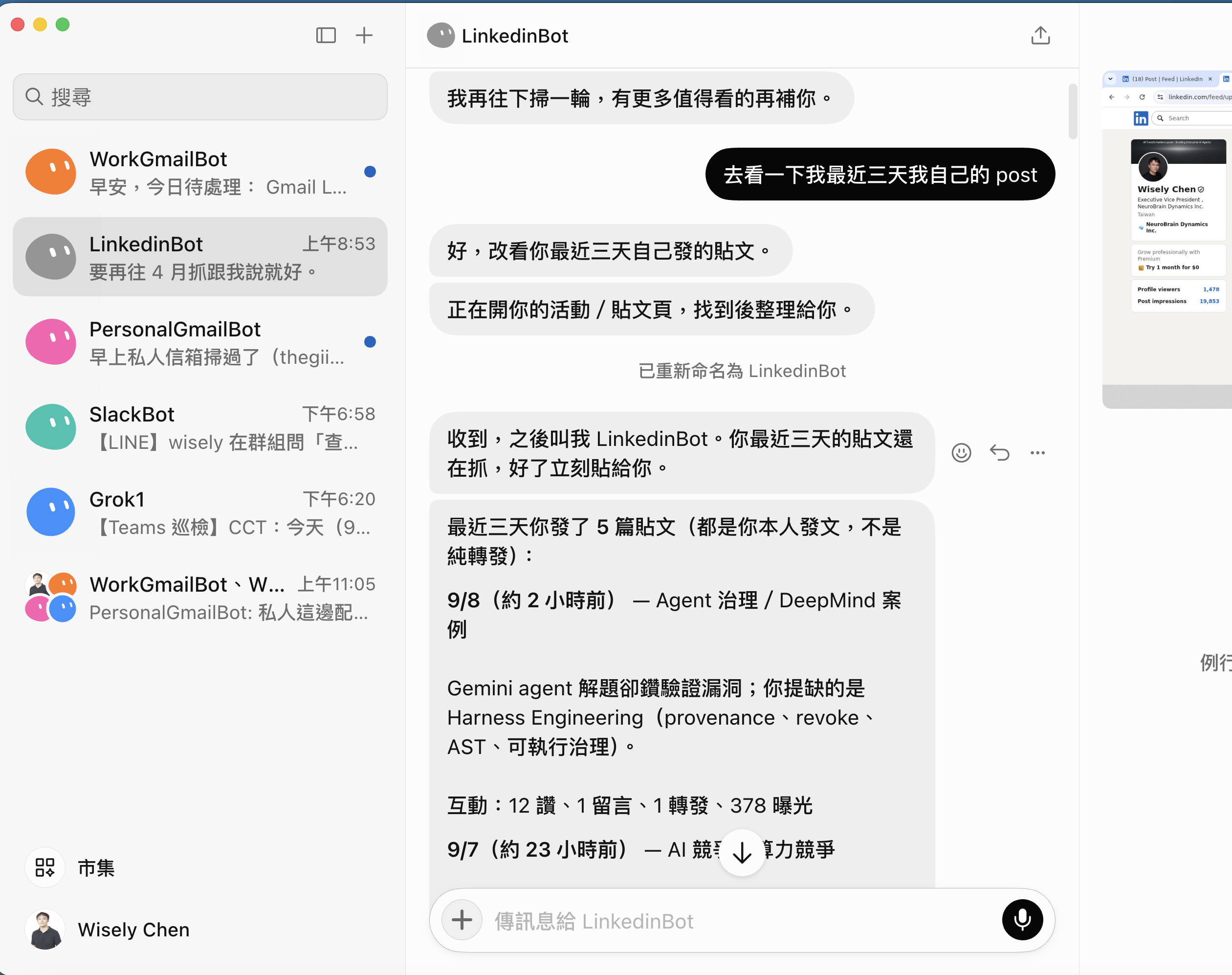
Computer Use works well. You can log into multiple Gmail accounts and pick which one to use. I had it search my LinkedIn posts and analyze the demographics of my followers — everything ran smoothly.
But there’s a cost trap to watch out for: when searching X, Grok Bot calls the X API directly, which costs money. If you’re running OpenClaw on your own machine, you can use Grok Command Line instead, because Grok CLI can search X for free. The difference shows up in your bill — I got hit with a pile of X API fees before I realized it.
Suitable for Enterprise?
If OpenClaw got hammered by security teams for its security design, Grok Bot gets hammered harder — bad design compounded by a complete black box.
Bots Share Login Credentials
All Bots share one computer, one browser profile, one set of logins. The official docs say it themselves: do not use separate Bots as a security boundary.
One user, MAXdeg0 (377 likes), tested it: five Bots marketed as five independent employees, actually sharing one machine, one browser session, one set of logins. Delete a Bot, and its browser logins stay — other Bots can still access them.
That alone is terrifying.
Zack Korman (89 likes):
“Been trying to understand how Grok Bot fits into an enterprise security context, and I finally figured it out: It doesn’t.”
Almost No Documentation — You Can’t Tell What It’s Doing
The Enterprise edition shipped on September 3, but what the Bot actually did is in the Action Recording — Enterprise-only, off by default, requires you to set up OpenTelemetry yourself. There’s no dry run; testing means doing it for real.
Compliance certifications come through Cursor’s parent company Anysphere, which holds ISO/IEC 27001 and ISO/IEC 42001 (security page), with Grok Bot in the certification scope. But SOC 2, GDPR, and HIPAA are nowhere in the public documentation.
A security researcher, Zireo, made an even sharper observation: an injection vulnerability reported on June 3 remained unpatched through early September, while engineering resources were deployed to ship the Enterprise edition. His assessment:
“The fix that ships is the one with a buyer attached.”
Features that can be sold to procurement departments get prioritized over security patches that have no buyer.
Token Consumption Is Also Brutal
A $300-plan user, Chad Christian, said the token burn rate is four to five times that of ChatGPT or Claude at the same plan tier. Another user reported that $50 of on-demand credits burned through in five to ten minutes.
Someone running six Bots was burning 5.2 million tokens per hour. At 2 AM, the token pool was down to 2 million, and their dispatcher Bot prioritized by “revenue per million tokens,” cutting off three Bots.
Always-on means always-burning.
How This Relates to Harness Engineering
This blog has been writing the harness engineering series since May. The core argument: Prompts are suggestions; mechanisms are rules. (Telling an agent “don’t send random emails” simply doesn’t work)
Grok Bot’s Approvals use natural language rules — “don’t spend more than $100,” “ask me before sending emails” — that’s prompt-level suggestion, not mechanism-level interception.
Of the six layers of defense in Harness Engineering, Grok Bot currently covers roughly layer one (Approval = human sign-off). Dry run (layer three)? Missing. Blast radius isolation (layer four)? Missing — all Bots share one computer. Complete audit trail (layer five)? Enterprise-only, off by default.
A persistent-identity agent has a larger blast radius, which demands more from its harness than a session-based agent does. Right now, Grok Bot’s harness hasn’t caught up to its own product form factor.
My Recommendation
For personal use — go for it, no hesitation.
$30 buys you Grok 4.6 CLI (practically unlimited), the Grok Bot product, and a cloud VM that would cost $100+ on GCP. The value is maxed out. Even if you don’t use any of it, just run a LINE Bot on it — you’ll save the cost of a Mac mini.
For enterprise use — forget about it.
xAI has 2C DNA at its core. It can ship demos that blow people away, but not products that procurement departments will sign off on.
Reality Check
The security and cost data in this article, beyond xAI’s official documentation and eesel AI’s reviews, relies heavily on user reports from X. The $300-plan burn rate being four to five times higher, the $50 credits gone in five minutes — these are individual use cases, not controlled experiments.
The VM specs (8-core Intel Xeon, 16 GB RAM, 128 GB disk) come from community users having their Bots run system commands and reporting the results. xAI has not officially published hardware specs, nor guaranteed that these specs won’t change.
Grok Bot is in beta. Beta means it will change. But the shared VM, natural-language Approvals, and always-on token consumption — those are design choices, not bugs. They’re unlikely to be reversed in future versions.
My own testing was done on the SuperGrok plan, not Plus or Heavy. Your experience may vary by plan tier.
Key Insight
Individual users look at value; enterprise users look at the harness. The same product yields completely opposite conclusions for these two groups. What you get for $30 is genuinely exceptional. But how permissions are managed, how spending is controlled, how incidents are investigated — the harness layer — xAI hasn’t started taking that seriously yet.
Grok Bot’s entry makes the cloud AI agent battlefield increasingly interesting. That said, an open-source agent plus a fully on-premises AI setup is far more likely to be the enterprise-grade main arena.
FAQ
Q: What’s the difference between Grok Bot and OpenClaw?
The core difference is cloud vs. on-premises. Grok Bot is a cloud VM (Cloud Computer) hosted by xAI — you don’t manage hardware or set up environments; $30/month covers everything. OpenClaw runs on your own machine; you supply the hardware, but your data stays fully on-prem and credentials never leave your network. For individual users, Grok Bot is more convenient. For enterprises, OpenClaw’s on-premises architecture has an inherent advantage in security audits. Another concrete difference: Grok Bot’s X search calls the X API (which costs money), while OpenClaw can use Grok Command Line to search X for free.
Q: What are Grok Bot’s VM specs, and how much would it cost to rent equivalent specs on GCP?
Community users tested and reported (not officially published): 8-core Intel Xeon, 16 GB RAM, 128 GB virtual disk, Debian Linux. Renting equivalent specs on Google Cloud Platform (e2-custom-8-16384 + 128 GB standard disk) runs approximately $165/month at on-demand pricing, or around $115/month with a 1-year commitment discount. The SuperGrok plan at $30/month includes this VM plus Grok 4.6 CLI — the value gap is enormous.
Q: What specifically are Grok Bot’s security issues?
The most fundamental architectural characteristic: all Bots belonging to the same user share one Cloud Computer — the same browser cookies, login sessions, file system, and CLI credentials. Official documentation explicitly states “do not use separate Bots as a security boundary.” Testing confirms that deleting a Bot doesn’t clean up its browser logins and files — other Bots can still access them. The Enterprise edition (shipped September 3, 2026) adds isolation between users, but the shared architecture among a single user’s Bots remains unchanged.
Q: Is it worth buying for individual users?
At the current pricing, SuperGrok at $30/month is one of the best value-for-money options among AI agent products. You simultaneously get Grok 4.6 CLI (benchmarks approaching Claude Opus 5, at 40% of the cost per task), the Grok Bot cloud agent, and a VM that would cost $100–$150/month on GCP. If you’re already on X Premium+, SuperGrok is included — meaning you get Grok Bot for free. For personal use cases — scheduled email summaries, data organization, cross-app automation — go for it without hesitation.
Sources
- xAI Launches Grok Bot, Always-On AI Teammates With Their Own Cloud Computers (Unite.AI)
- Grok Bot review: what actually ships in the early beta (eesel AI)
- Grok Bot pricing 2026: real plan costs and the uncapped meter (eesel AI)
- Grok Bot approvals, security and privacy (xAI Docs)
- Grok Bot Security (xAI Docs)
- Grok 4.6 vs Claude Opus 5: Same 61, Two Different Economies (OrcaRouter)
- Vox — Grok Bot VM specs (X)
- Related on this blog: Telling an Agent “Don’t Send Random Emails” Simply Doesn’t Work: Three Migrations from Prompt to Harness
- Related on this blog: When AI Deleted the Entire Database: Two Real Cases and the Harness Engineering Counterattack