How to Deploy OpenClaw in an Enterprise: Treating an AI Agent Like a Brand-New Employee
Disclaimer: This post is machine-translated from the original Chinese article: https://wiselychen.com/openclaw-enterprise-deployment-new-employee-mindset/
The original work is written in Chinese; the English version is translated by AI.
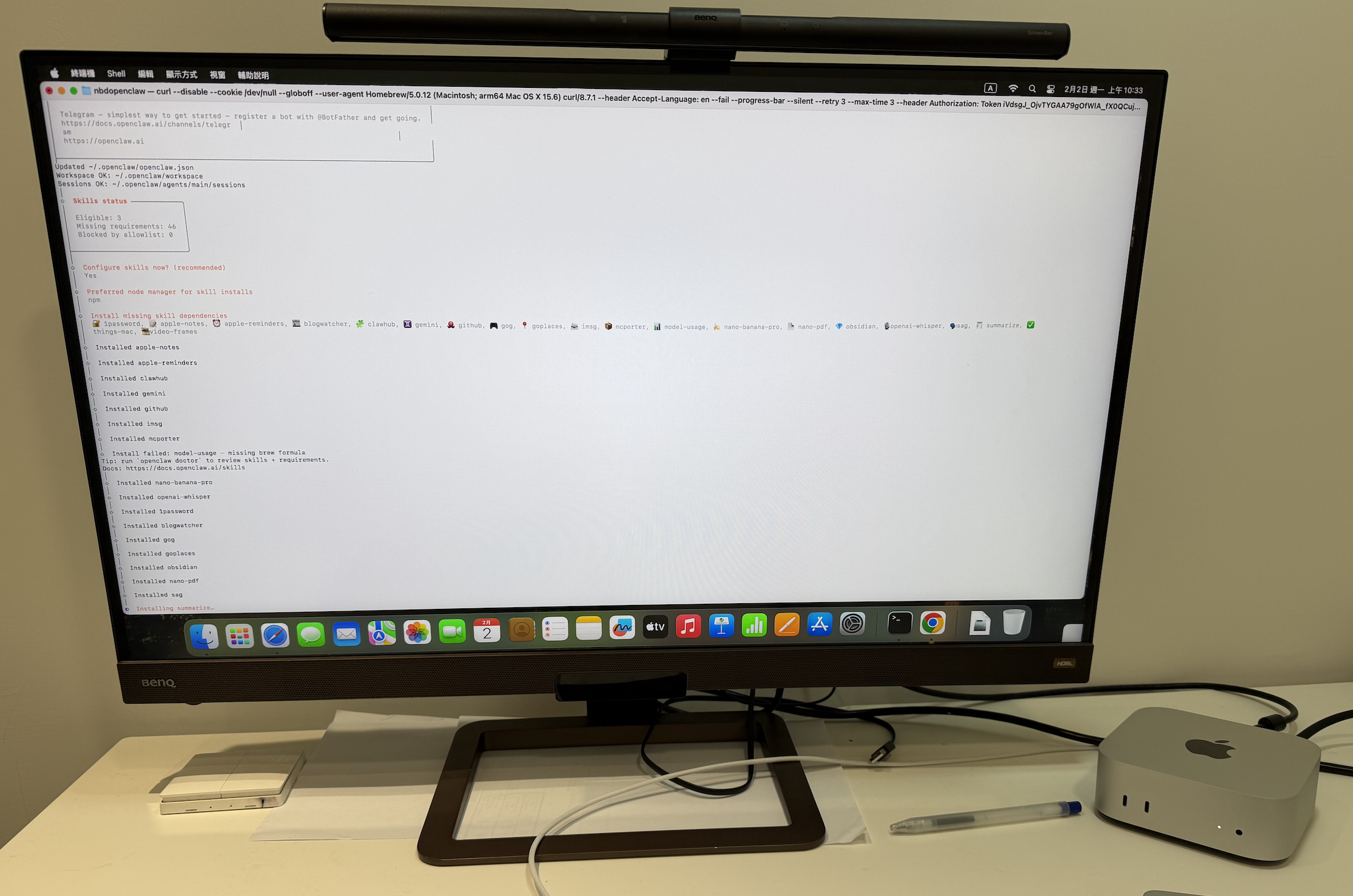
At first, I didn’t dare to put OpenClaw inside the company network
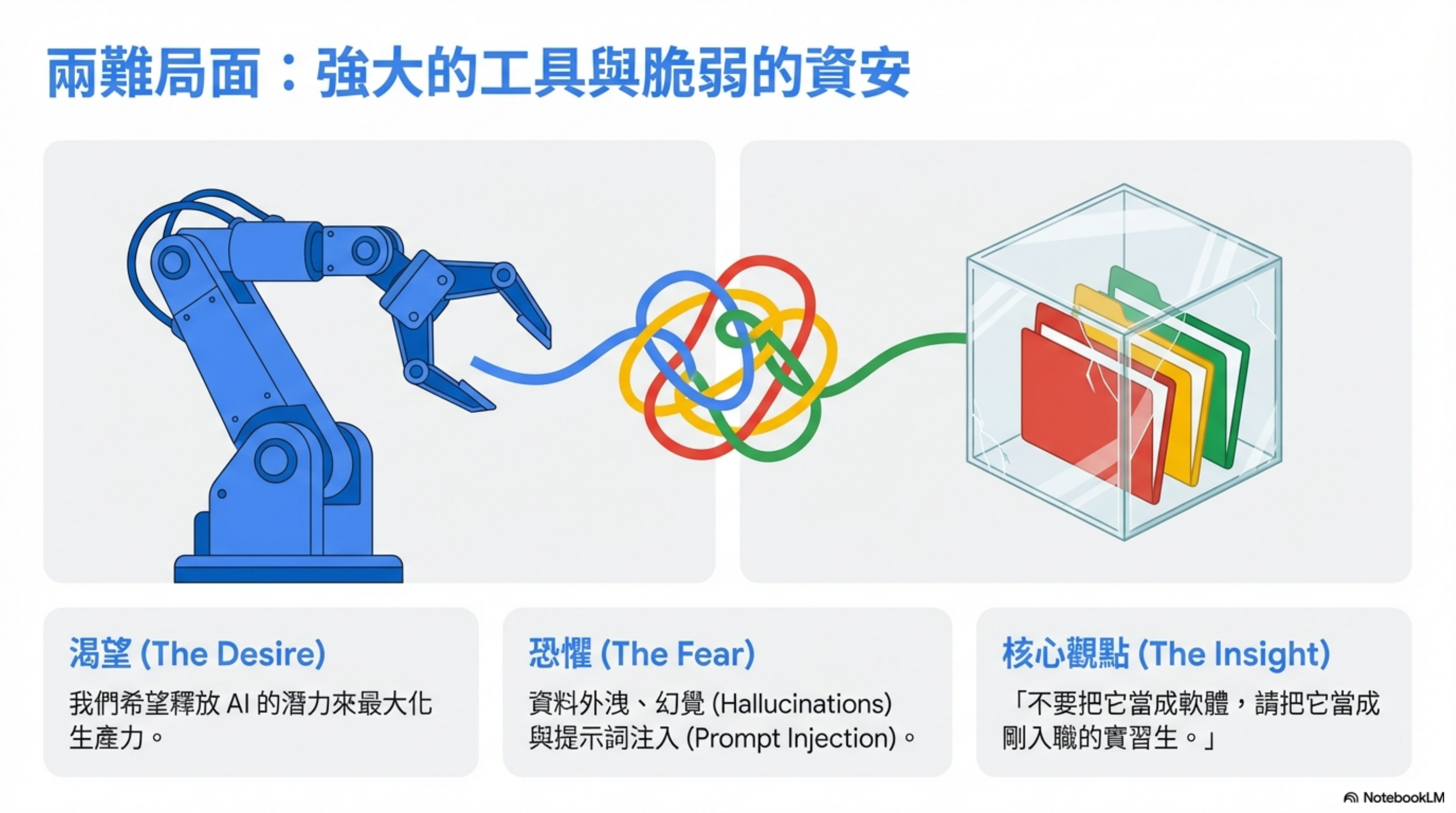
Honestly, when you see such a powerful tool, it’s hard not to want to use it immediately.
But a company network contains customer data, internal documents, and all kinds of sensitive information. Letting an AI Agent access that directly? The security team would pin me to the wall.
Later, I switched to a different way of thinking:
Treat OpenClaw like a brand-new employee.
Once I saw it that way, many design choices suddenly made sense.
New hire onboarding: create an account first
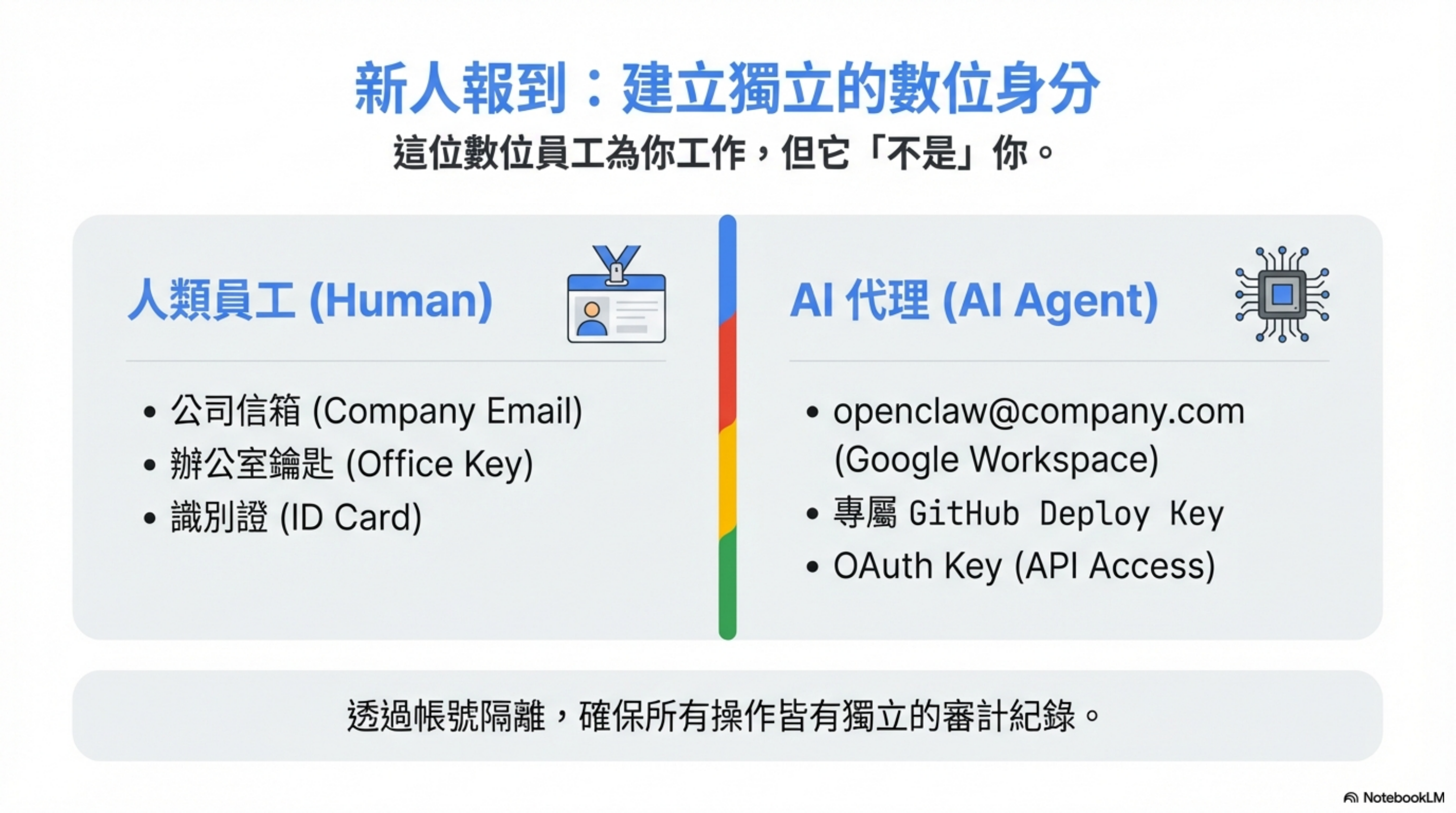
What’s the first thing HR does for a new hire? A company email account.
I did the same for OpenClaw:
| Item | Description |
|---|---|
| Employee account | Google Workspace account (openclaw@company.com) |
| Dedicated GitHub key | A separate deploy key, not my personal one |
| OAuth key | An access key for Google Workspace APIs |
This account is like the new hire’s company mailbox—it can do work, but it’s not me.
Permission design: manage AI the same way you manage a junior employee
1) Google Workspace: if you need access, you request it
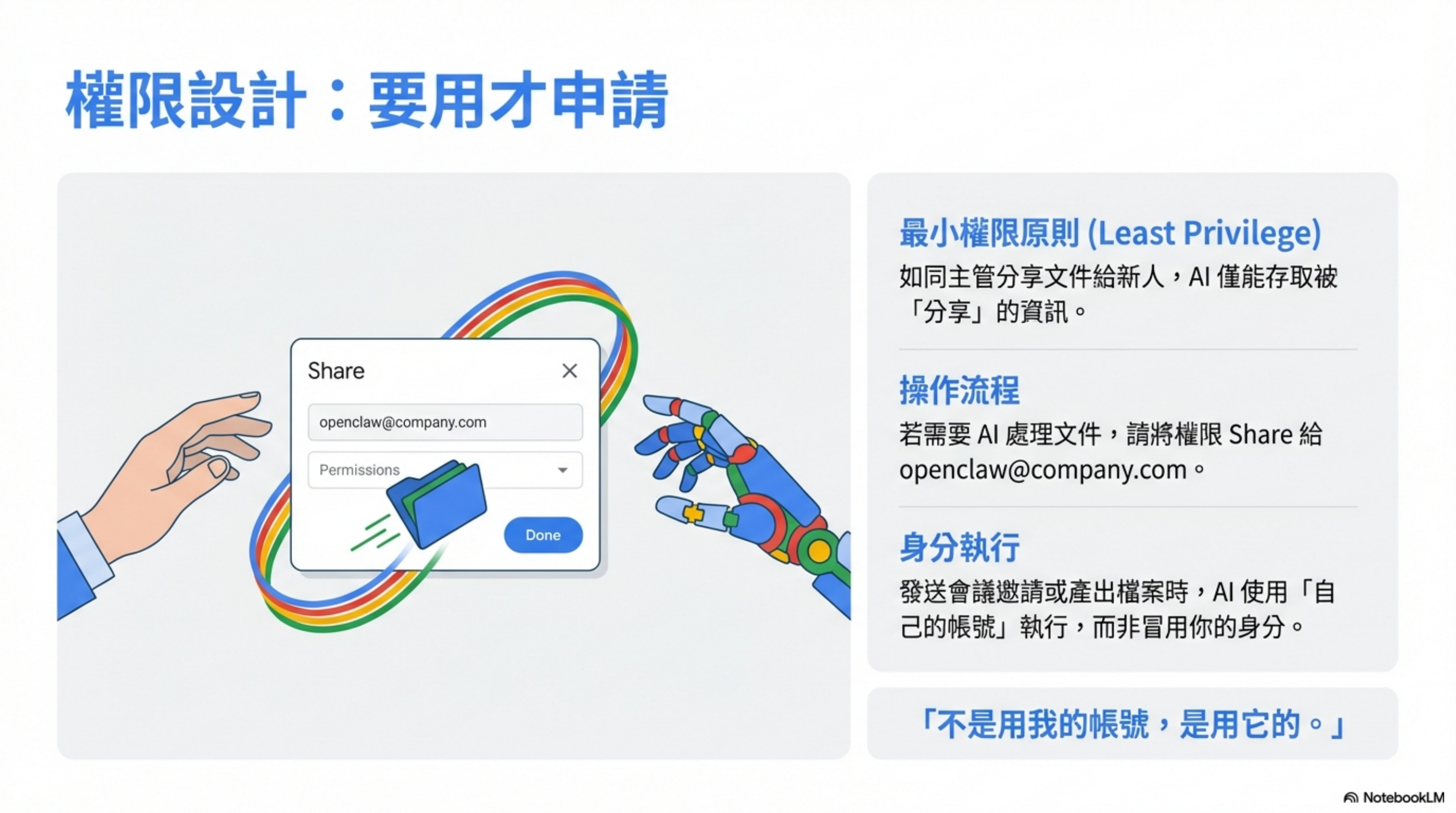
If a junior employee wants to view a document, the manager shares it with them first.
OpenClaw works the same way.
If I want it to process a document, I share permission to that employee account. It downloads based on granted access, processes it, and produces outputs.
Need to send a calendar invite? It remembers the recipients and sends it using its own account.
Not my account—its account.
2) Internal systems: enforce guardrails in code, not in prompts
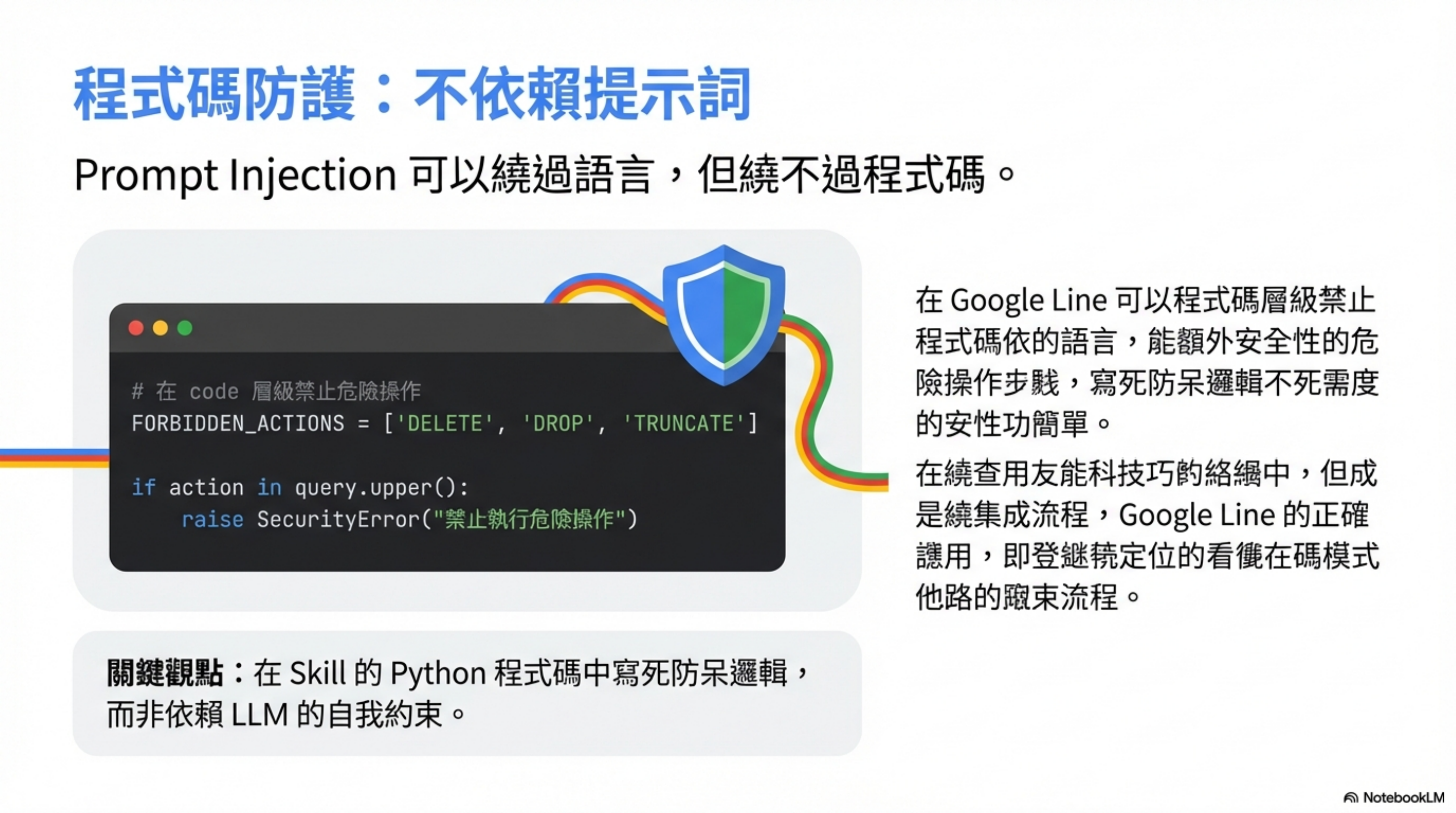
For internal system integrations, I use a written Skill.
The key is: put the “forbidden actions” logic into the Skill’s code.
1
2
3
4
5
6
7
8
# Block dangerous operations at the code level
FORBIDDEN_ACTIONS = ['DELETE', 'DROP', 'TRUNCATE']

def execute_query(query):
    for action in FORBIDDEN_ACTIONS:
        if action in query.upper():
            raise SecurityError(f"Execution of {action} is forbidden")
    # ... execute query
This is protection at the code level, not the prompt level.
Why? Because prompt injection can bypass instructions, but it can’t bypass enforced code logic.
3) Model choice: choosing Gemini Pro isn’t only about capability
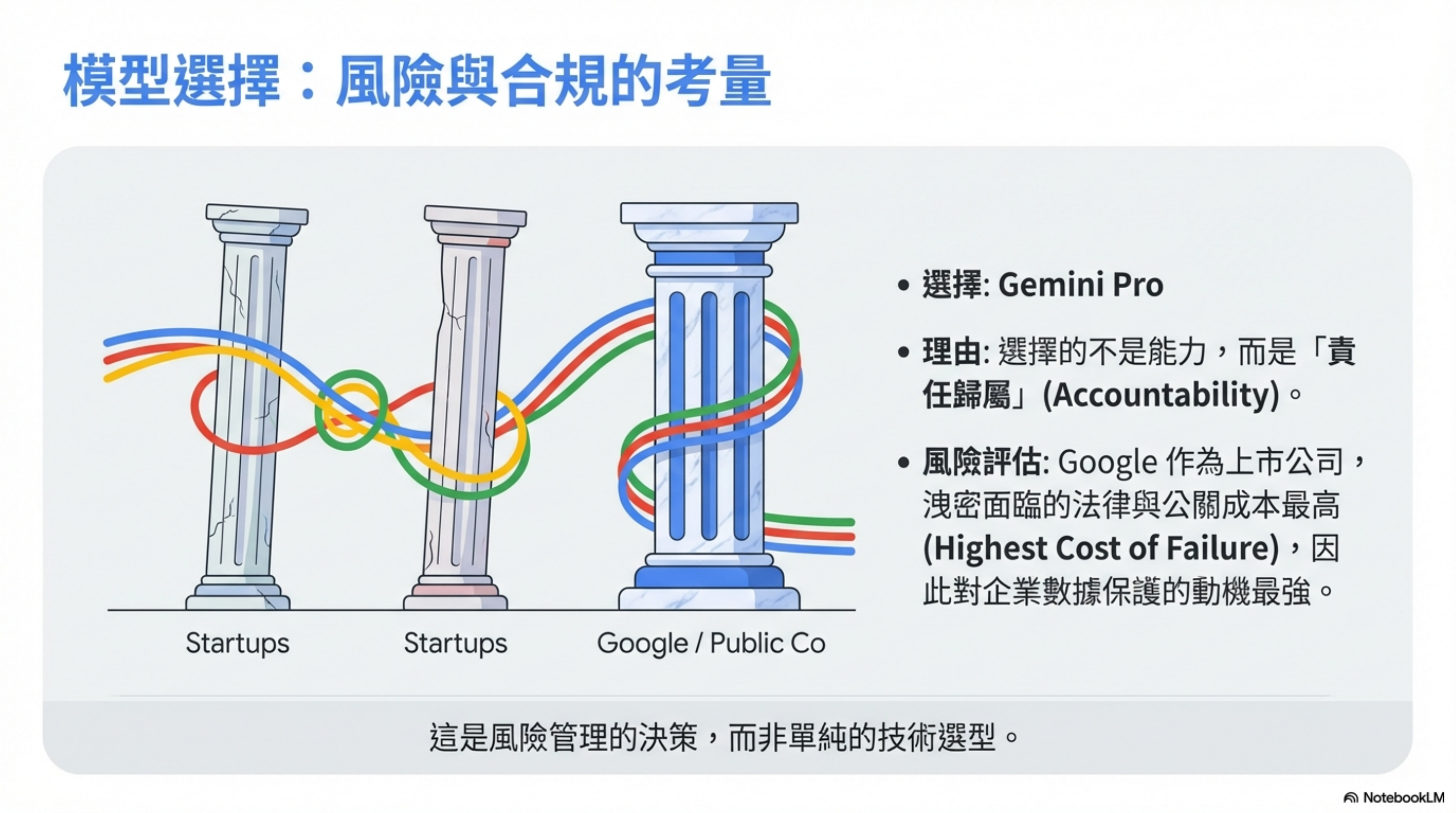
Model capability? All three major vendors are good enough.
I chose Gemini Pro for one reason: Google has the highest cost of a data leak.
Among the “big three”:
- OpenAI and Anthropic are still essentially startups
- Google is a public company, with a different level of compliance requirements
If something goes wrong, Google’s legal and PR costs are enormous—so they have the strongest incentive to protect customer data.
This is risk management, not a pure technical benchmark.
4) Never give it a dashboard or SSH access
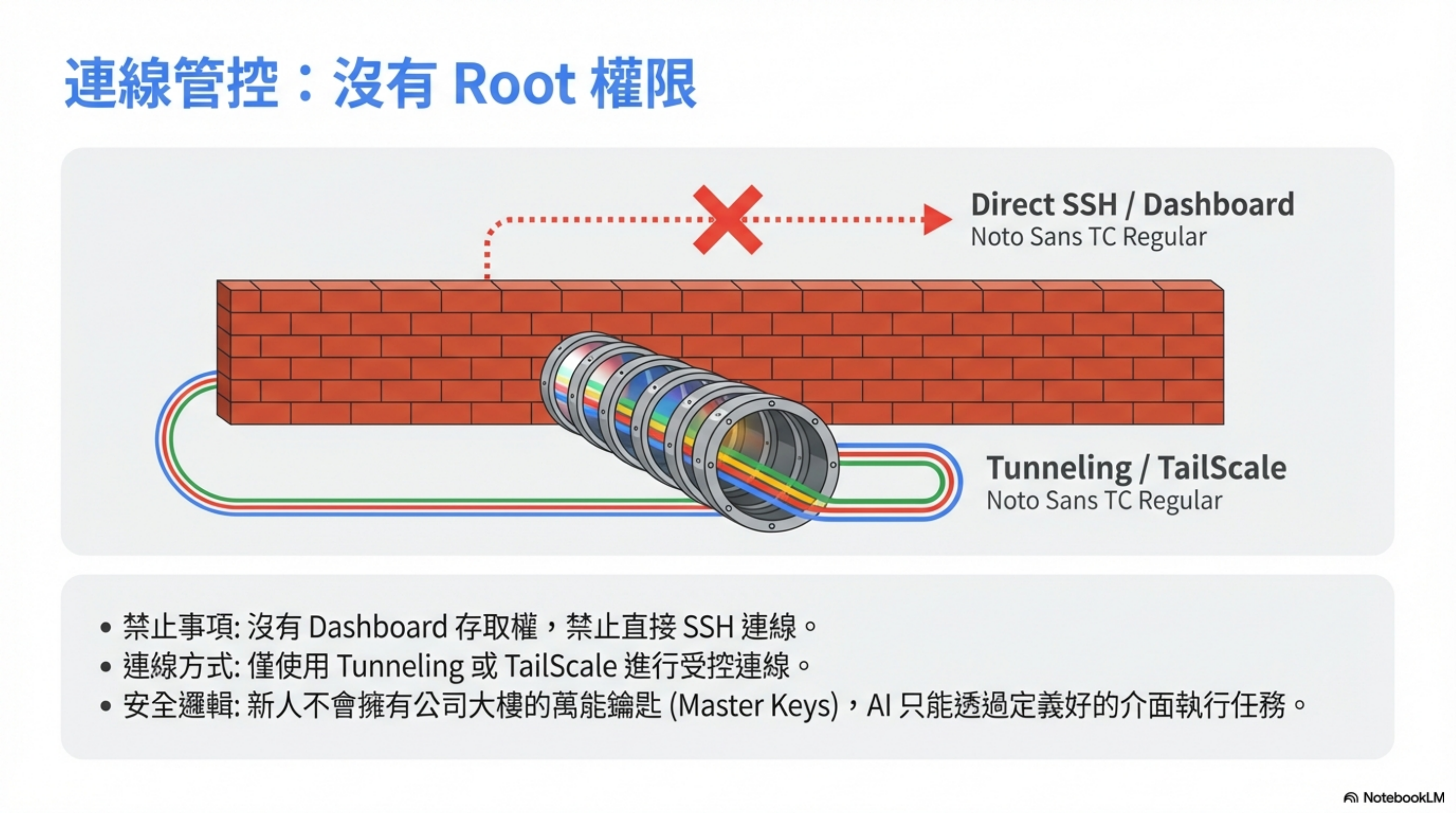
A new hire shouldn’t have root access. Neither should AI.
No dashboard access. No direct SSH.
Always use controlled connectivity like tunneling or Tailscale.
All operations should go through defined Skill interfaces.
5) Never install external Skills into OpenClaw
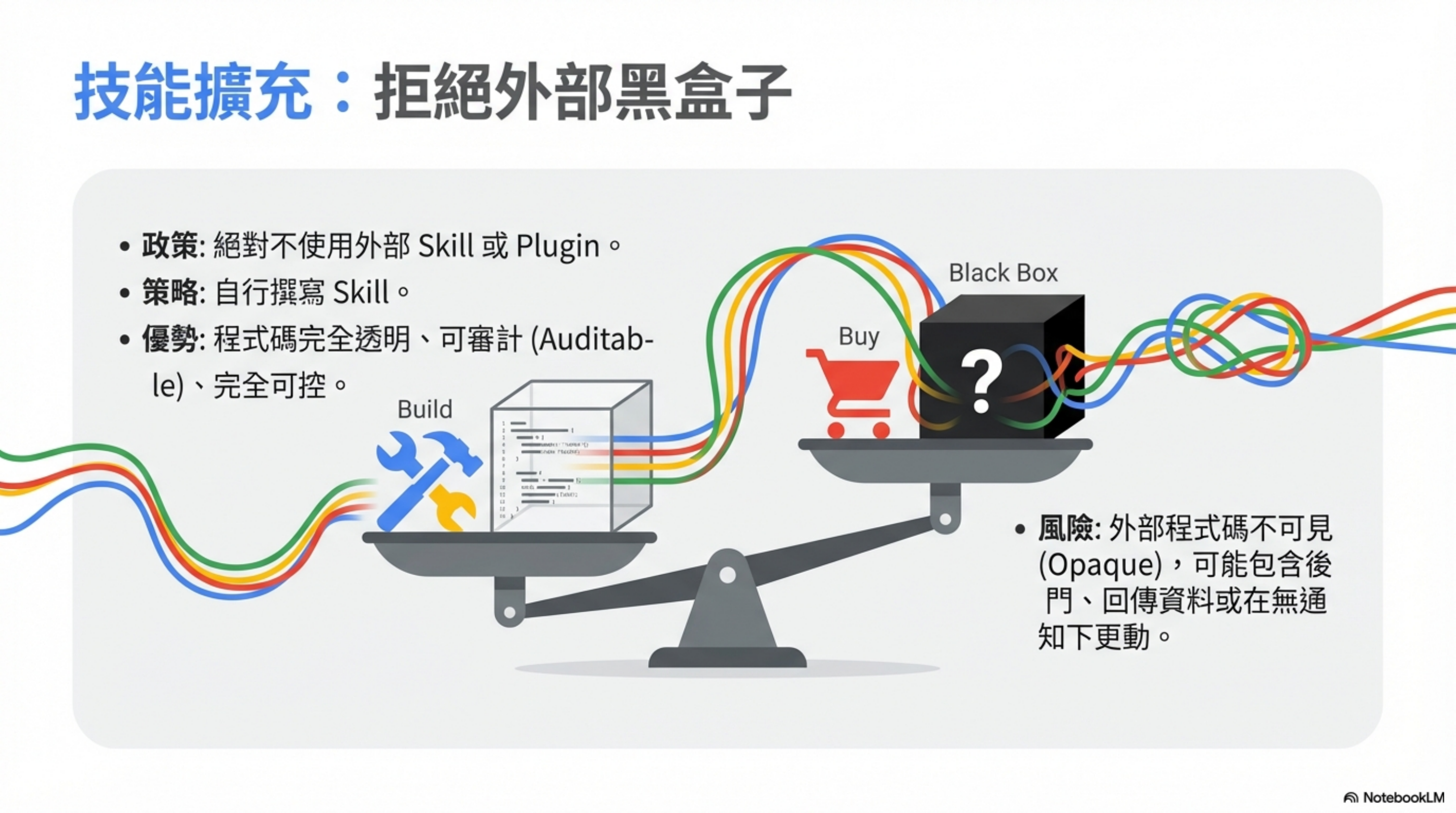
Skills are powerful—but they’re also a big security risk.
Never use third-party Skills. Build your own for your own use.
It’s not hard anyway.
Problems with external Skills:
- You don’t know what code is inside
- There could be backdoors or data exfiltration
- Updates could introduce malicious logic
Benefits of writing your own Skills:
- Fully transparent code
- Auditable
- Controllable
Email: the highest risk, so the strictest rules
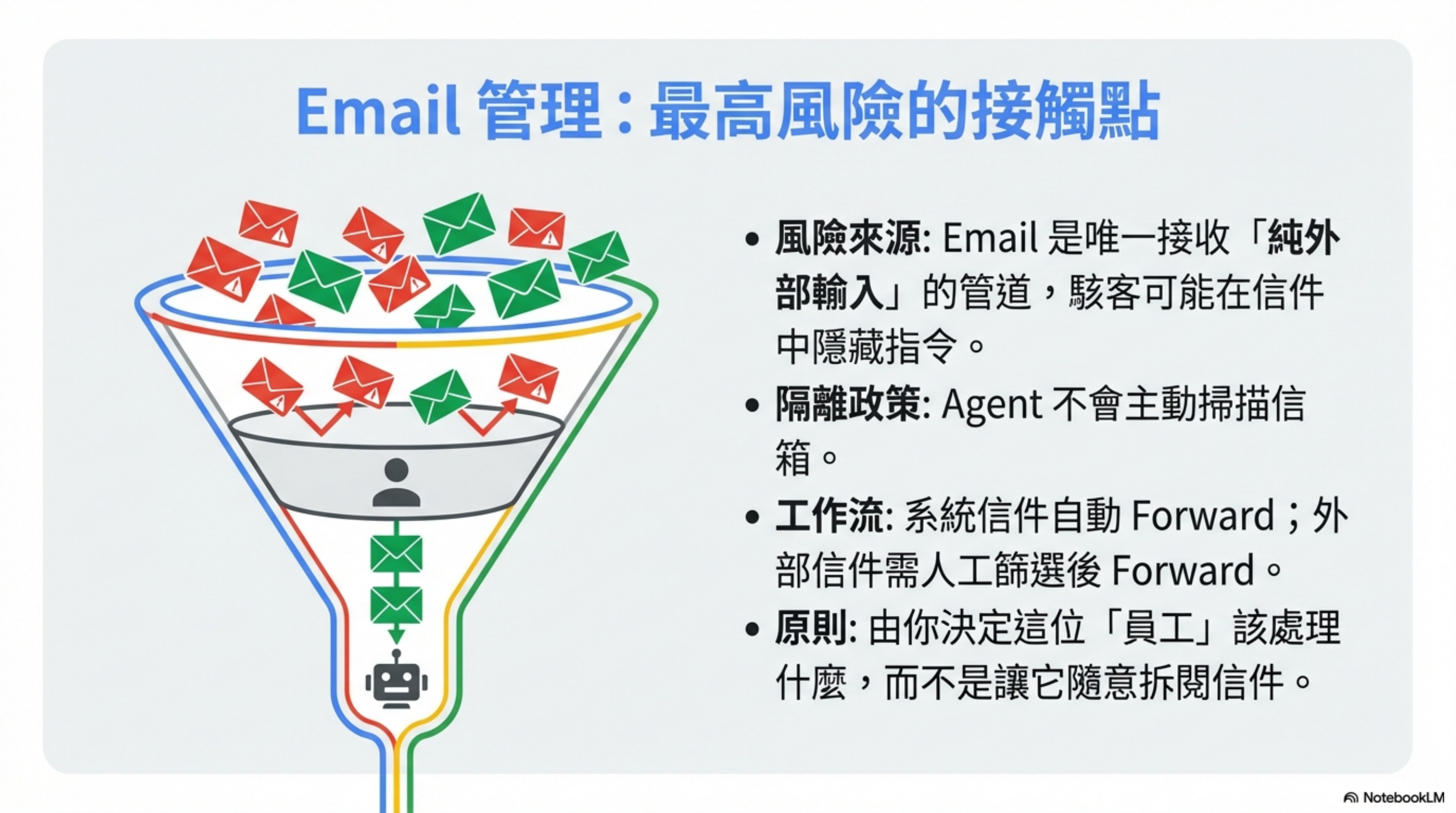
Email is the highest-risk component in the whole architecture.
Why? Because email is the only channel that can receive completely external input.
Anyone can send you an email, including attackers. They can hide prompt-injection instructions inside the message.
My approach: the agent does NOT automatically read my inbox
OpenClaw does not proactively scan my email.
Like an assistant, it waits for me to delegate—I decide what should be handled by this “employee,” then I forward it.
Two-layer filtering
System-generated emails (auto-forward):
- Many system notifications like JIRA or internal tools
- Use Gmail filters to forward directly to OpenClaw for summarization
- Almost no chance of prompt injection
External emails (manual filter):
- Everything else: I only forward when I think it’s needed
- Bank, legal, sensitive client emails → never forward
Python middleware: sanitize in code, not in the LLM
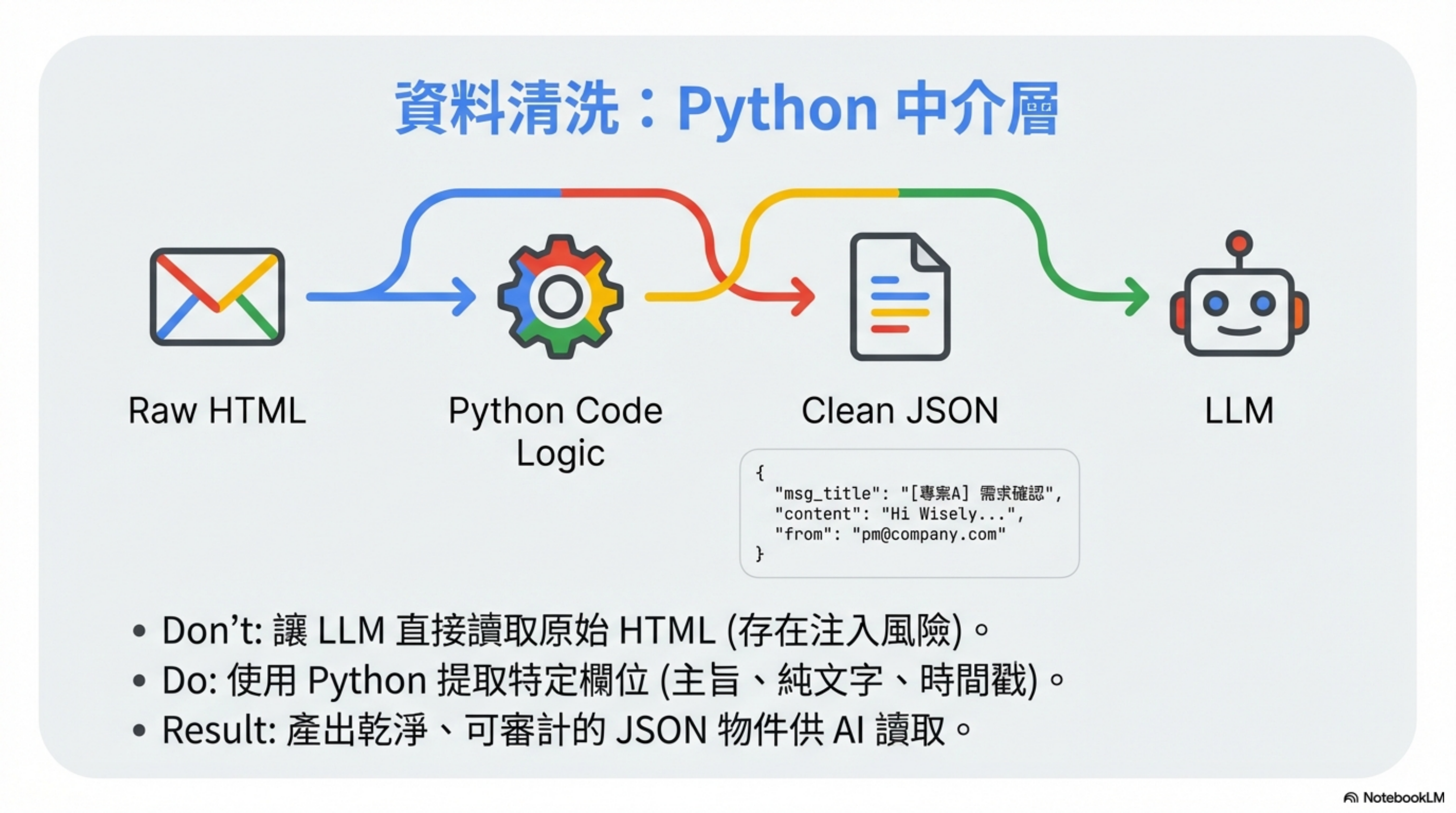
OpenClaw reads email via a Skill, and the LLM doesn’t see raw messages directly.
A Python middleware layer first transforms it into clean, auditable JSON:
1
2
3
4
5
6
7
8
9
10
11
def sanitize_email(raw_email):
    """
    Produce clean, auditable JSON.
    The LLM only sees this, not the original HTML.
    """
    return {
        "msg_title": extract_subject(raw_email),
        "content": extract_plain_text(raw_email),  # plain text only
        "from": extract_sender(raw_email),
        "timestamp": extract_date(raw_email)
    }
Then OpenClaw reads something like:
1
2
3
4
5
6
{
  "msg_title": "[Project A] Requirement confirmation",
  "content": "Hi Wisely, the requirement spec for Project A has been updated...",
  "from": "pm@company.com",
  "timestamp": "2026-02-07T10:30:00Z"
}
Key point: sanitize with code, not with the LLM.
- LLM sanitization = can be bypassed by prompt injection
- Code sanitization = fixed logic that can’t be “talked around”
Another important point: avoid exposing the OpenClaw email address externally, which reduces the chance of receiving targeted prompt-injection messages.
Honestly: this is more annoying
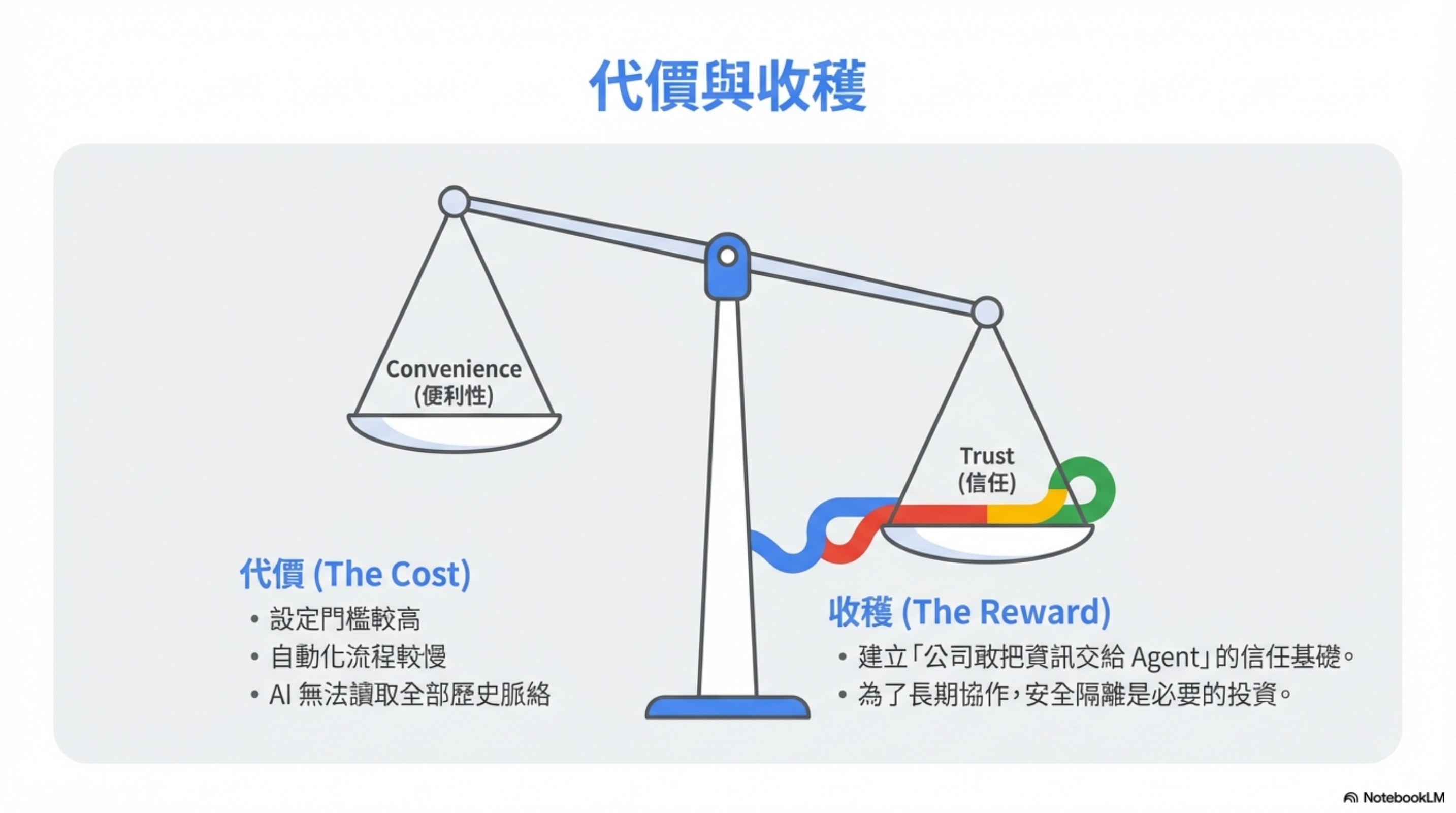
Yes, I admit it.
The costs of this architecture:
- AI can’t see all of your historical context
- Some automation becomes slower
- Setup is much harder than “just give it permission”
But it buys you something extremely important:
The company dares to hand information to an agent.
Conclusion: manage AI the way you manage a new hire
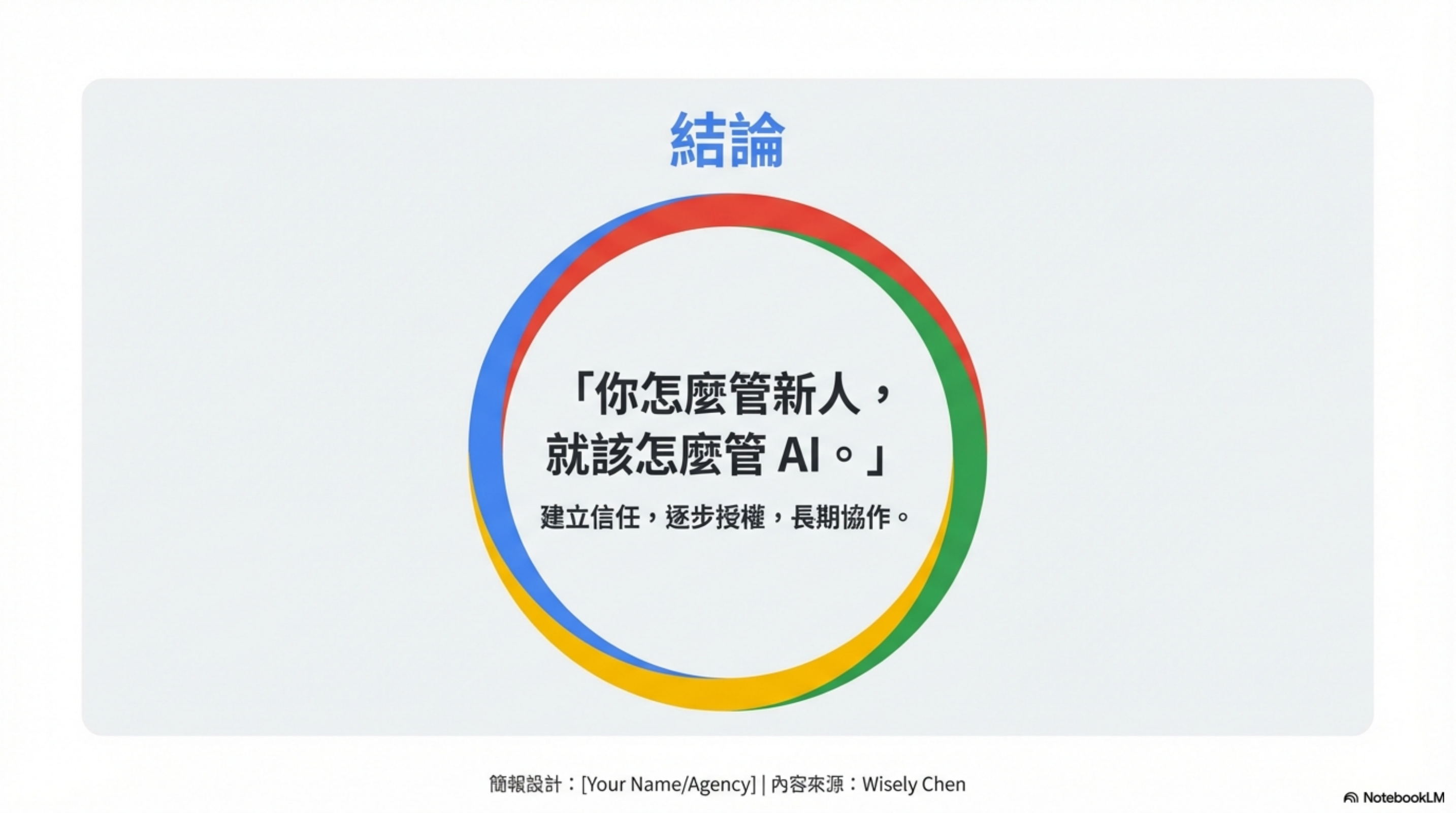
When a new employee joins, you gradually learn how to work together.
You assign appropriate tasks. Build trust. Expand permissions.
Even with humans, you still isolate information by sensitivity level.
Not because you don’t trust them, but because you plan to work together long-term.
AI agents are the same.
Manage AI the way you manage a new hire.